
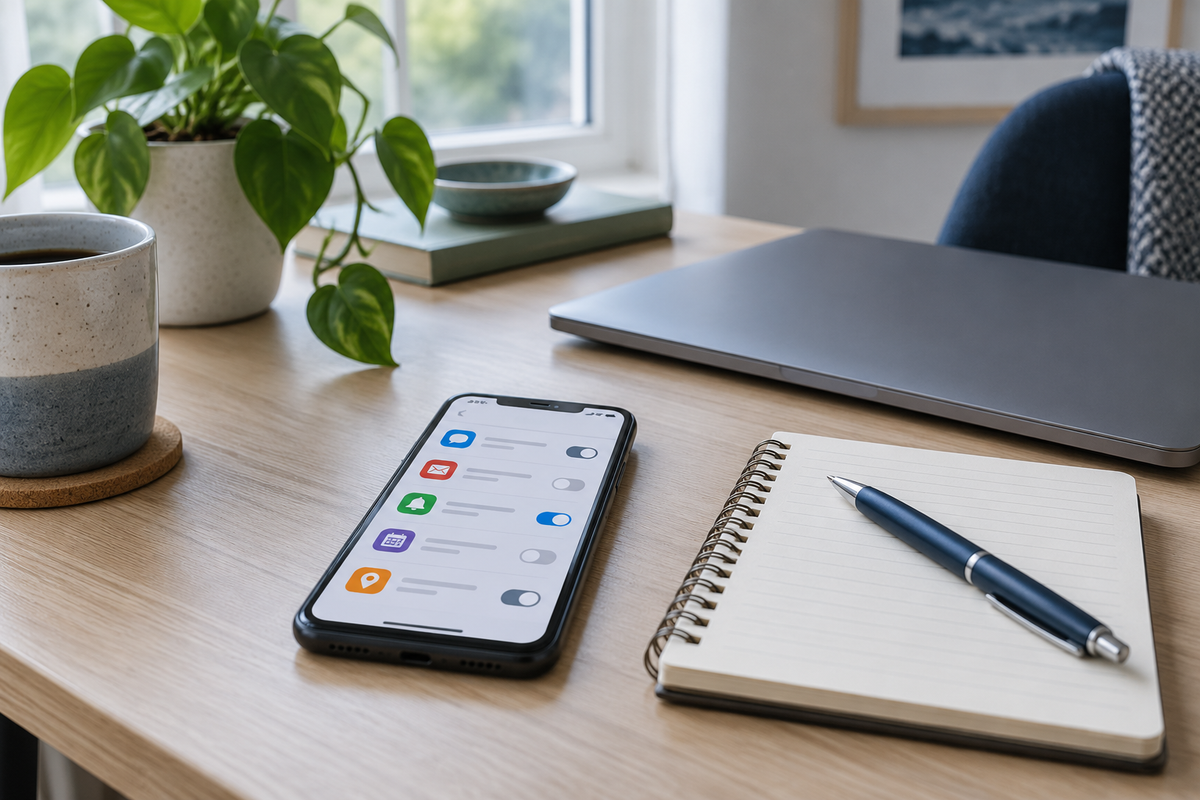
You open a document to finish one paragraph. An email banner appears, a group chat lights up, and a shopping app announces a sale. None of these messages needs an immediate reply, but each offers a reason to leave the task.
Instead of trying to become better at ignoring everything, consider changing what is allowed to interrupt you. A notification audit is a practical review of your alerts, not a digital detox or a promise of perfect concentration.
What notification research tells us
A 2015 experiment by Stothart and colleagues found that phone notifications disrupted performance on an attention-demanding task even when participants did not interact with the phone. This was a controlled task, not proof that every alert has the same effect in everyday life.
In a separate 2008 simulated-office experiment, interrupted participants completed the measured work faster without a detected difference in quality, but reported greater stress, frustration, time pressure and effort. The lesson is more nuanced than “interruptions always make you slower.” Finishing quickly does not necessarily mean the experience was easier.
Sort alerts into three groups
Open the notification settings for your phone, computer and most-used apps. Review one app at a time and ask what would actually happen if you saw its message later.
- Immediate: Alerts connected to safety, caregiving, accessibility or responsibilities that genuinely require a prompt response. Keep these available.
- Scheduled: Messages you need to see, but not the moment they arrive. These might include routine email, project updates or non-urgent group conversations.
- Optional: Promotional messages, suggestions and other alerts you rarely act on. Consider disabling these rather than repeatedly dismissing them.
Classify the purpose of the message, not just the app. A messaging app may carry both urgent family communication and a busy social group. Where settings allow it, manage individual conversations or contacts separately.
Remove duplicate signals
One message can create a sound on your phone, a vibration on your watch and a banner on your laptop. Check whether you need all three. Keep the signal that fits your circumstances and turn off unnecessary duplicates.
A silent alert can still be visually distracting. Review banners, lock-screen previews and notification badges as well as sounds. If previews expose private information on a shared screen, adjust those too.
Give people a reliable way to reach you
Before reducing work alerts, agree on expectations with your team. A simple arrangement might be: routine questions go in the project channel; genuinely time-sensitive requests use a phone call. Choose a system that fits your role rather than declaring yourself unavailable.
If you use a focus or do-not-disturb mode, review its exceptions and test them with a trusted contact. Do not assume urgent calls, alarms or required workplace alerts will behave as intended. Keep safety-critical notifications enabled.
Try one change for a working week
Start with a small adjustment, such as disabling promotional banners. Keep the rest of your routine similar. At the end of the week, ask:
- Which unnecessary interruptions disappeared?
- Did I miss anything important?
- Did I start checking the app more often because I worried about missing messages?
- Which setting should I keep, revise or restore?
This is a personal workflow experiment, not a clinical test or a measure of your worth. If fewer alerts create problems, revise the arrangement. The goal is useful communication with fewer unnecessary demands on attention, not a completely silent phone.
Make the environment work with you
Notification settings cannot fix an unrealistic workload or remove every interruption. They can, however, give you a concrete place to start. For broader planning, read our practical focus-at-work guide. Browse the Focus Fast journal for other everyday approaches to attention and organization.